What is a link in bio?
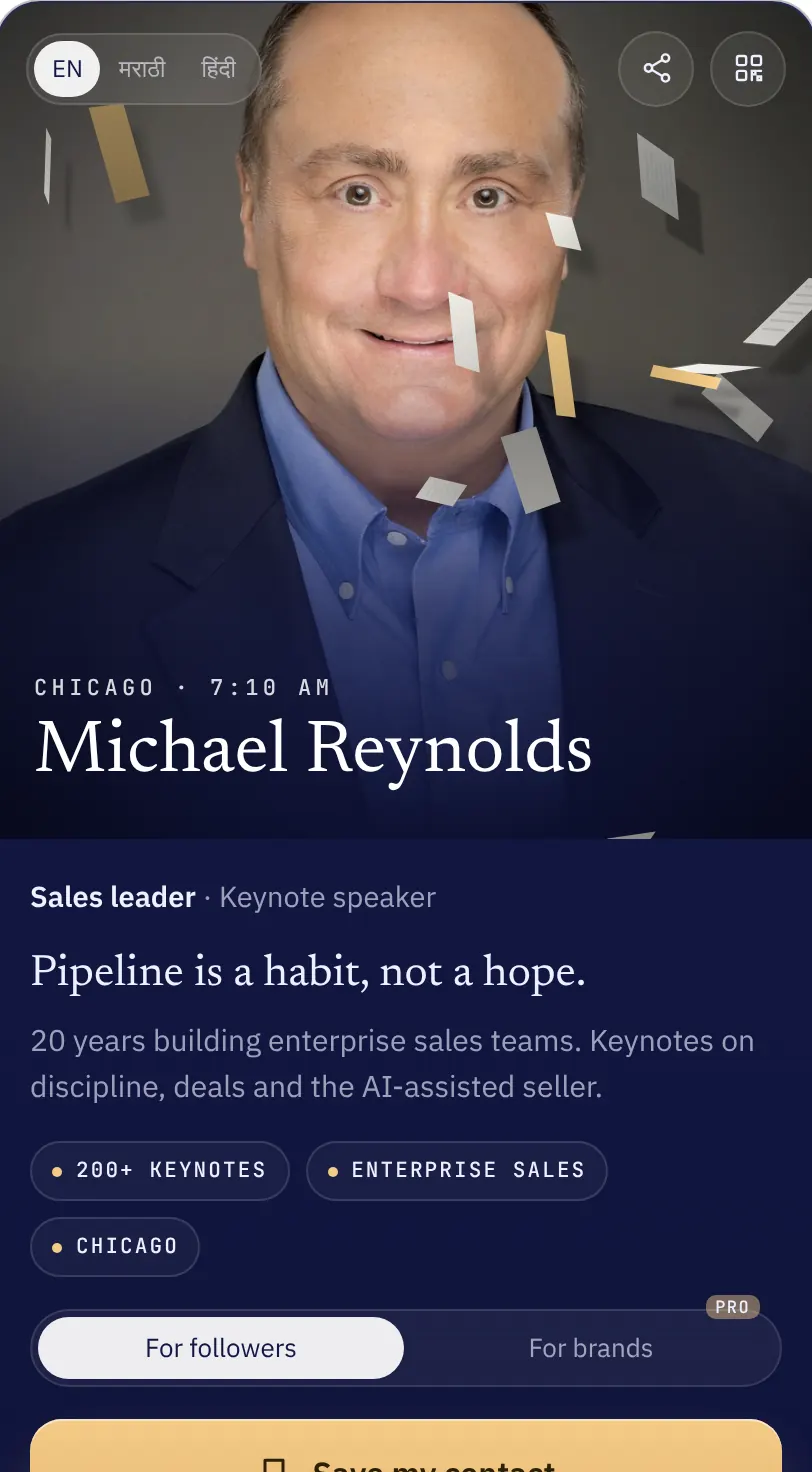
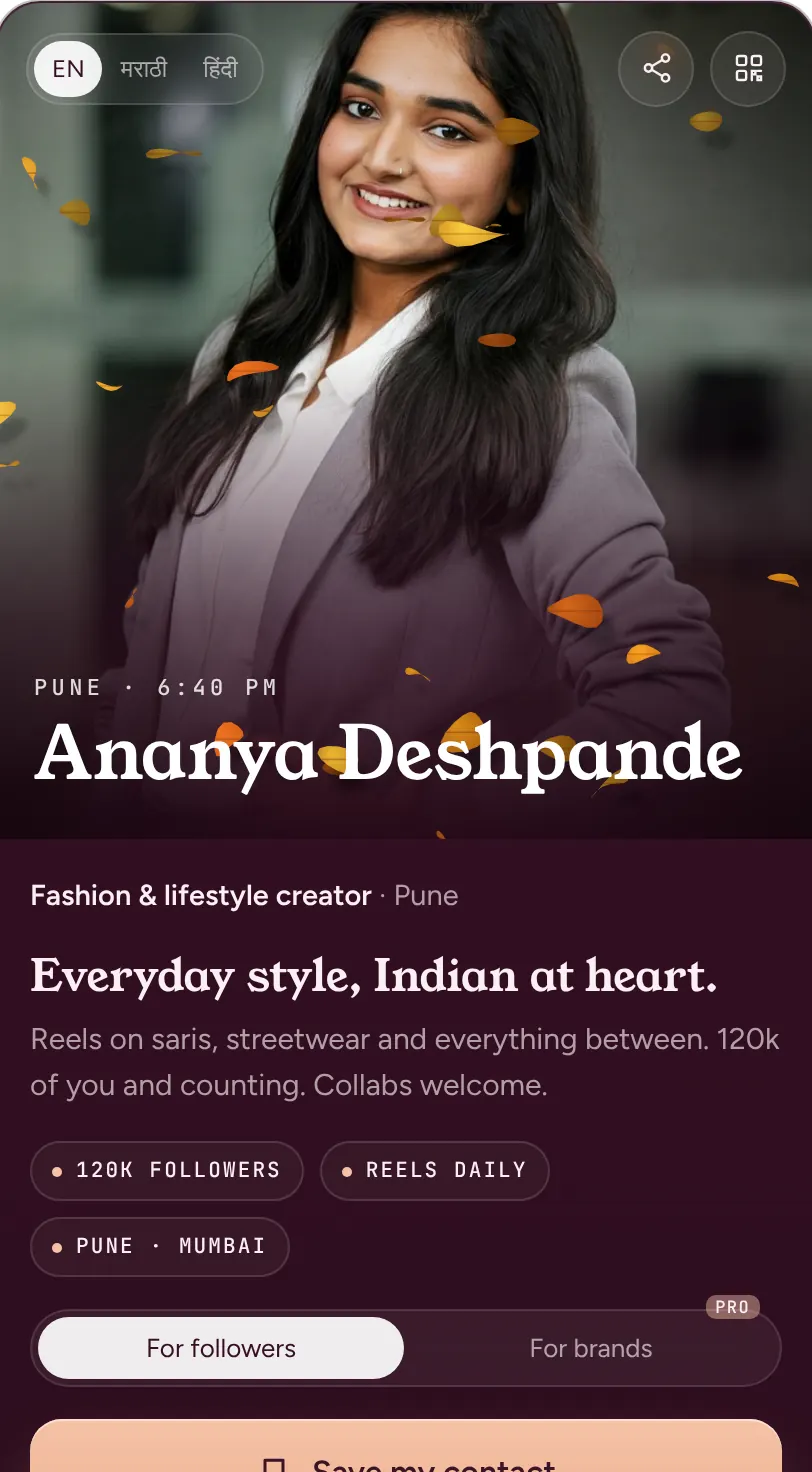
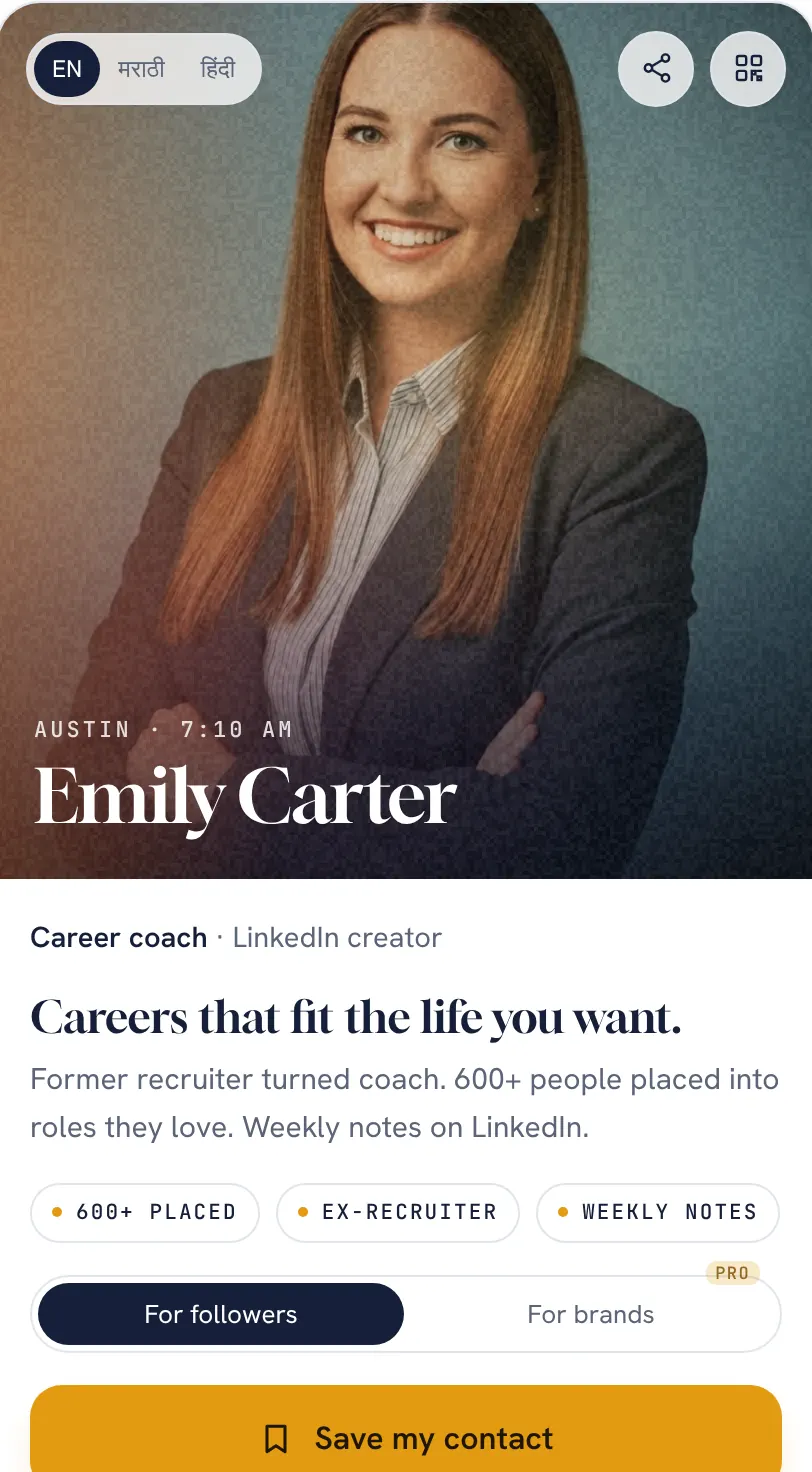
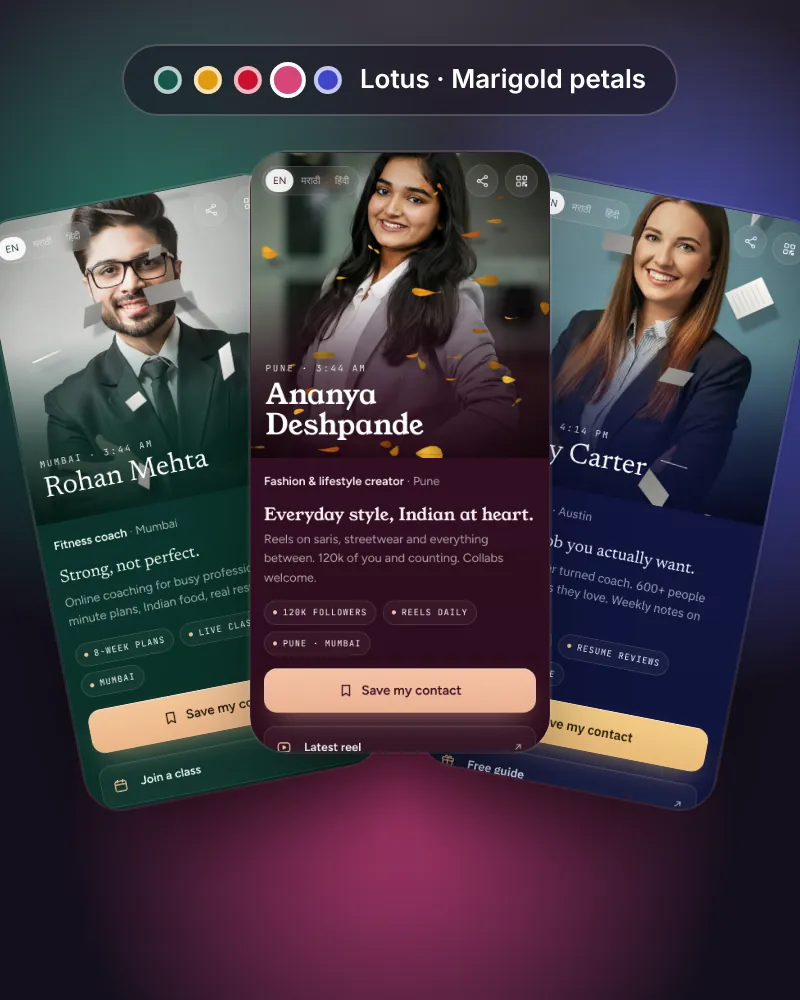
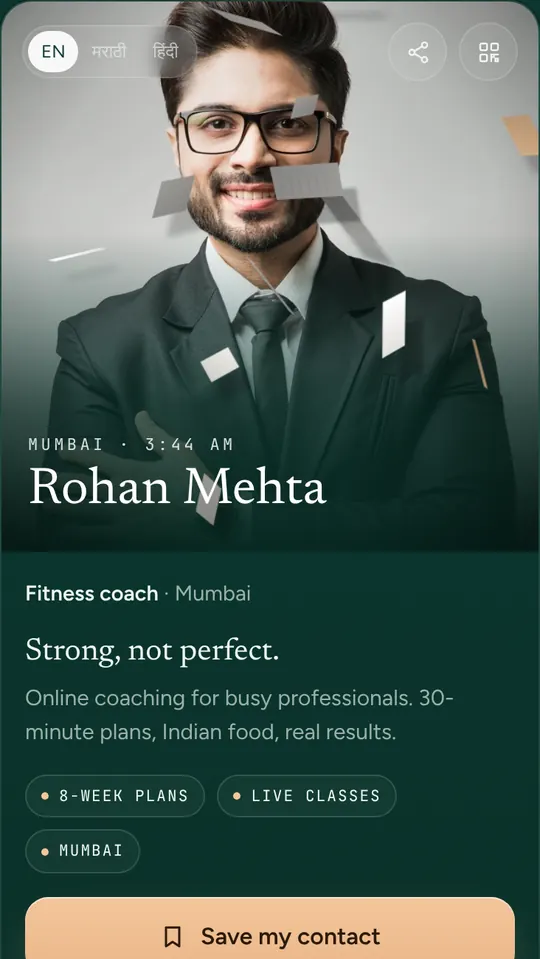
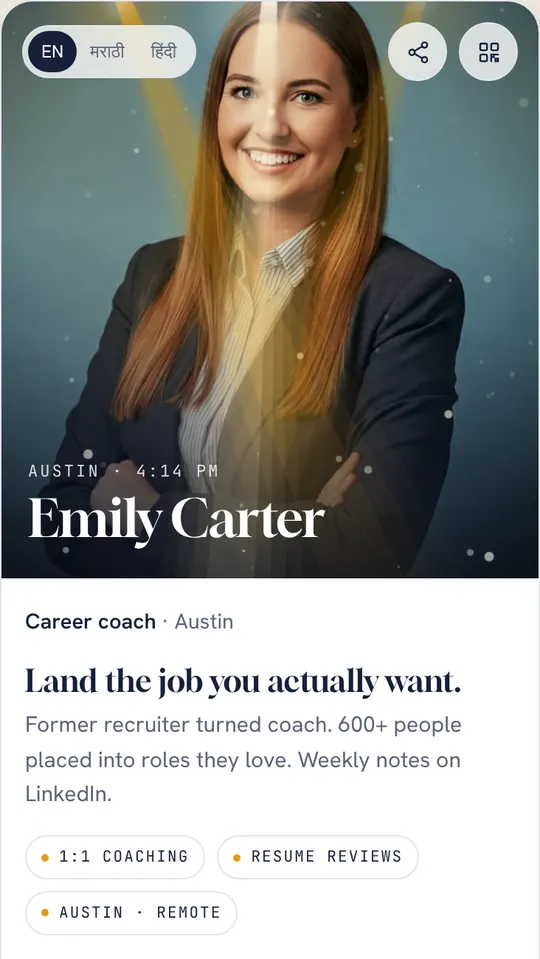
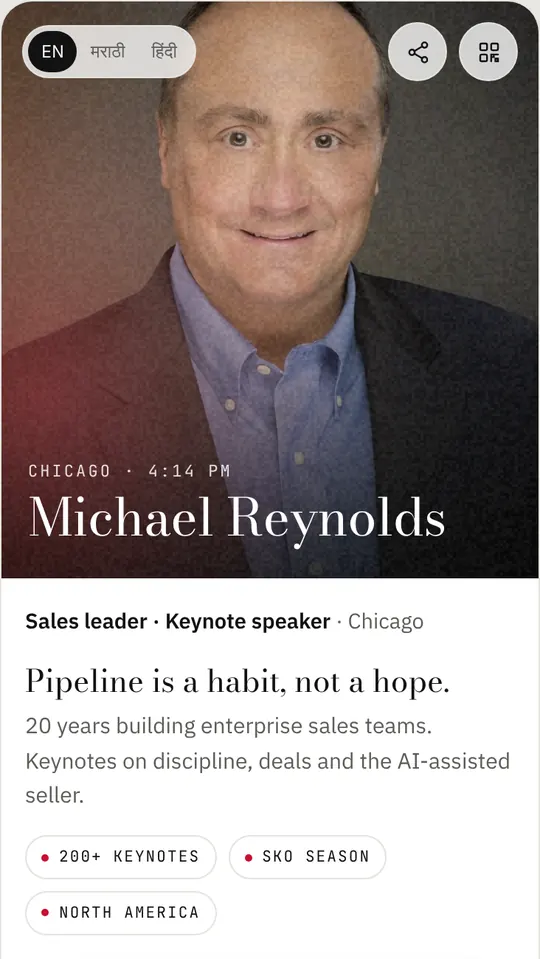
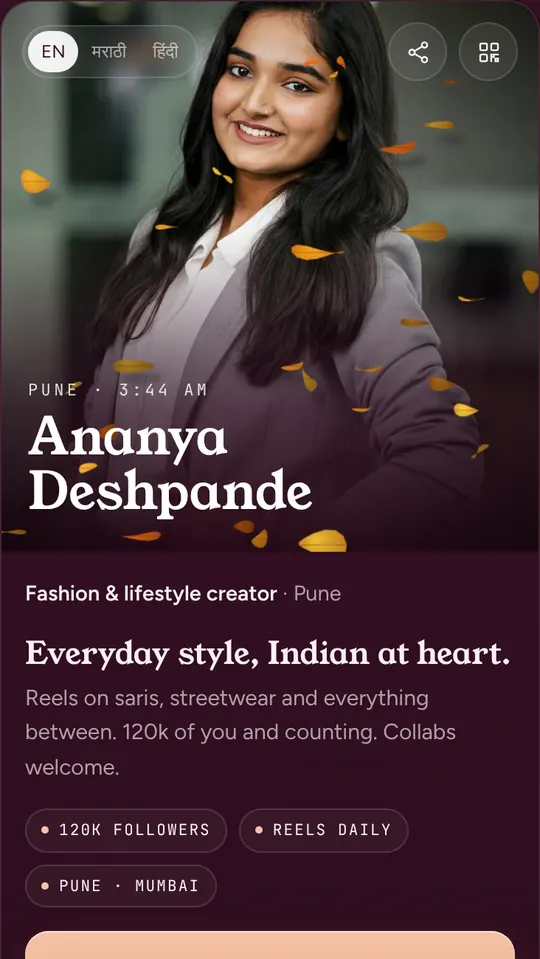
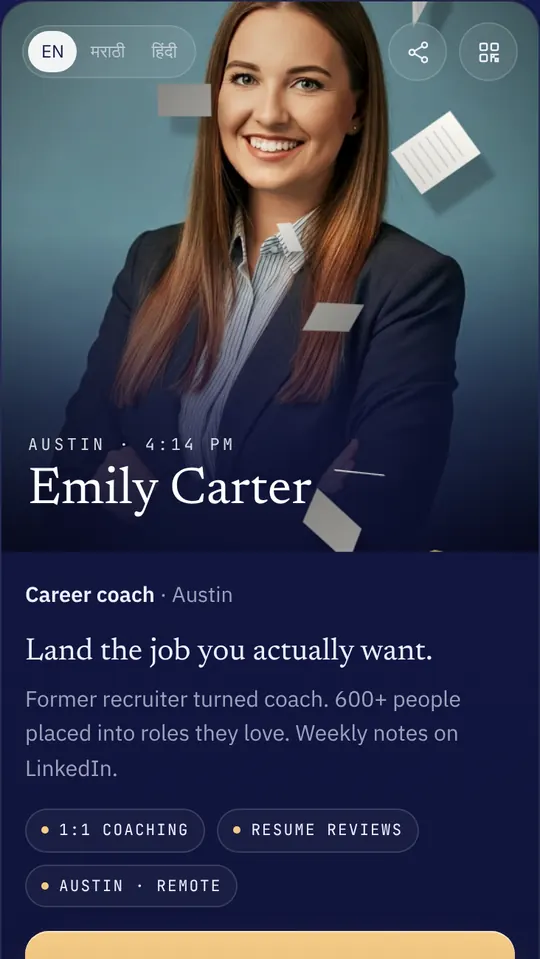
A link in bio is one web address you put in your Instagram, TikTok or LinkedIn profile that opens a page with all your links. gotly Stage makes that page look like a film poster: your photo or a 15-second clip, your name, your buttons and a save-contact button.
Is gotly Stage free?
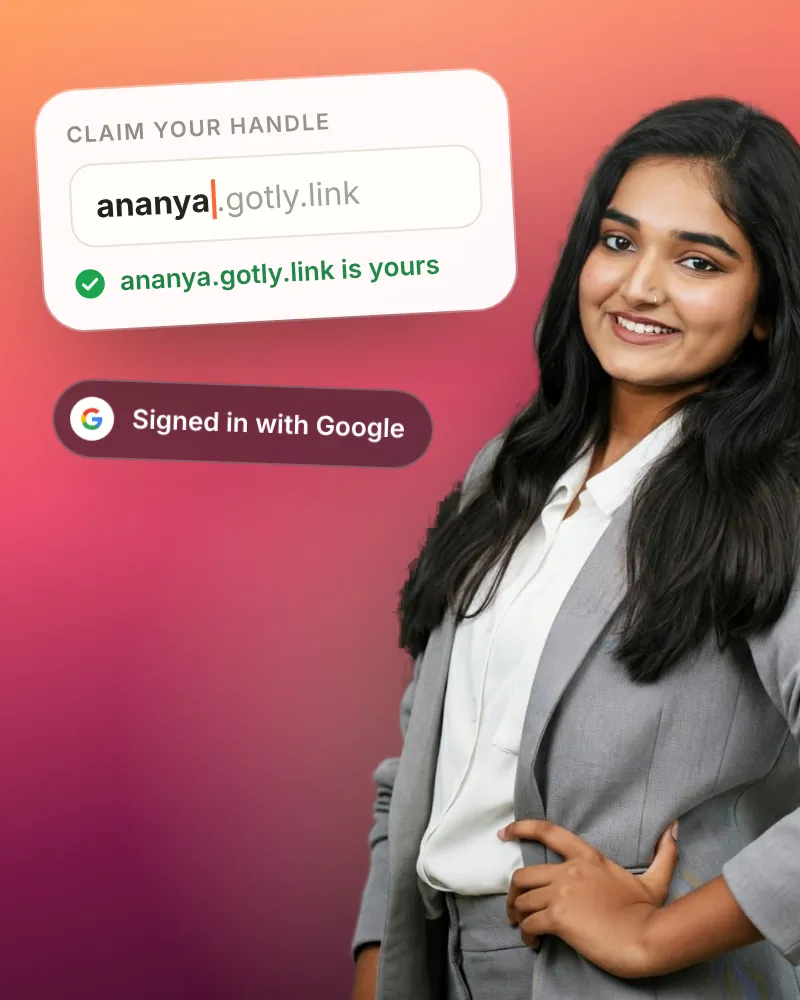
Yes. Your handle (yourname.gotly.link), your card with a photo, the Forest theme, 5 blocks (your About and your links), a QR code and the save-contact button are free forever. Pro adds up to 15 blocks, the 15-second clip, every theme and motion, the brands page, taps by city and no gotly badge.
Which platforms can I add to my Stage?
Instagram, YouTube, X, LinkedIn, Facebook, Threads, Reddit, Pinterest, Snapchat, Twitch, Discord, Telegram, Spotify, Apple Music, an Amazon storefront, Etsy, WhatsApp, a booking link and PayPal, plus your website and any other link. Pick one and type just your handle: the logo, name and link fill in themselves. Pasting a full link works too.
Is gotly Stage a Linktree alternative?
Yes. Like any link in bio tool, it puts all your links behind one address. gotly Stage adds a poster-style card with motion, one-tap save contact, a private page for brand collabs that you approve, and full click analytics, because every button is a gotly short link.
How do I add multiple links to my Instagram bio?
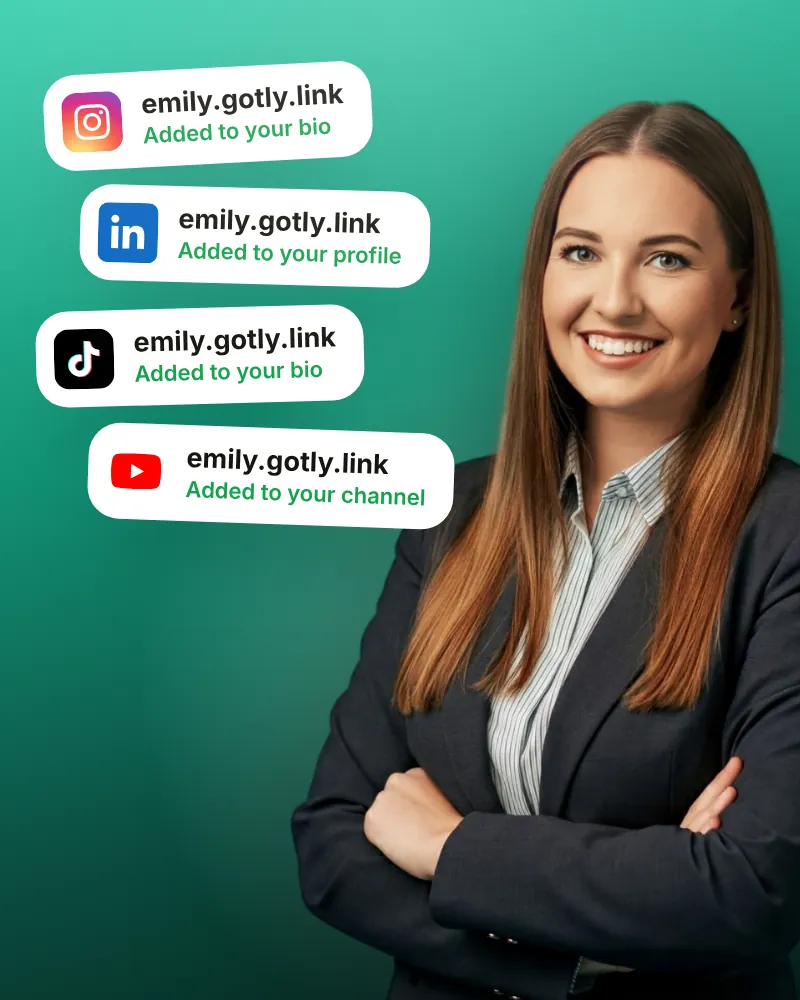
Instagram lets you add up to five links under Edit profile, then Links, but your profile shows only the first one. Put your gotly Stage link first: one address opens every link you want people to tap, and you see which ones they tap.
How do I add my link in bio to LinkedIn?
On your LinkedIn profile, open Contact info, tap the pencil and add your gotly link as a website. It shows in your contact details for anyone who opens them.
Can I use a link in bio on TikTok?
Yes, once TikTok shows you the Website field, which needs 1,000 followers or a business account. Then go to Edit profile, Website, and paste your gotly link.
Can my link in bio page have a video?
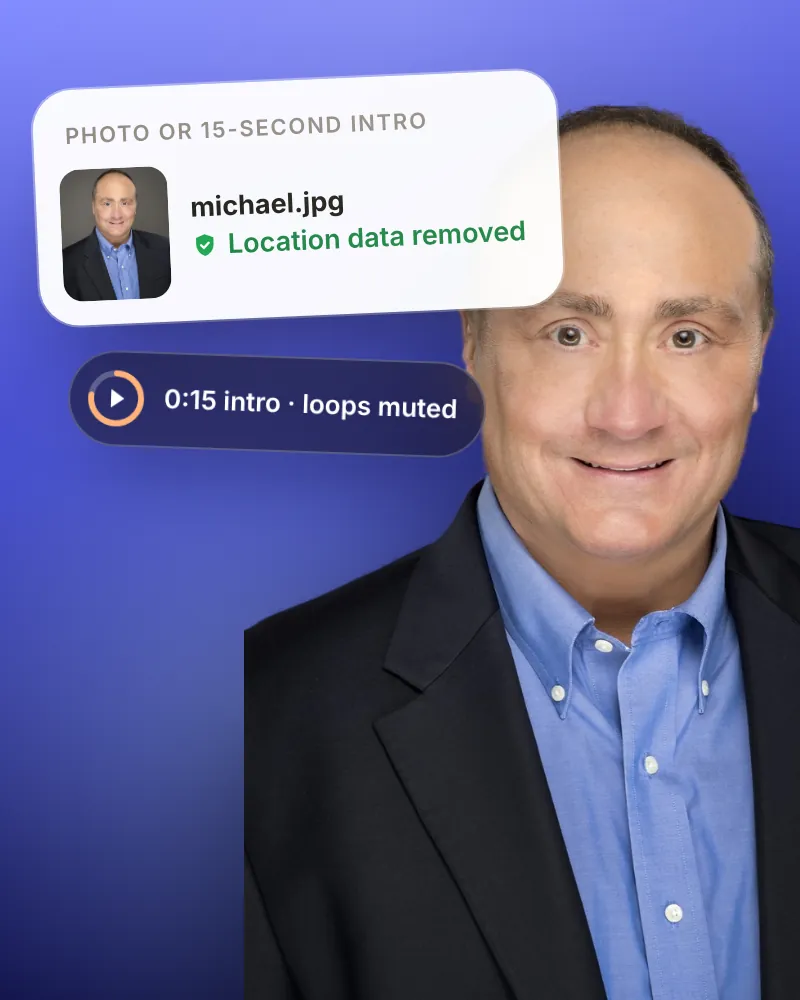
Yes, on Pro. Upload a 15-second intro clip and it loops, muted, at the top of your card like a trailer. On Free you use a photo.
Can it work as a digital business card?
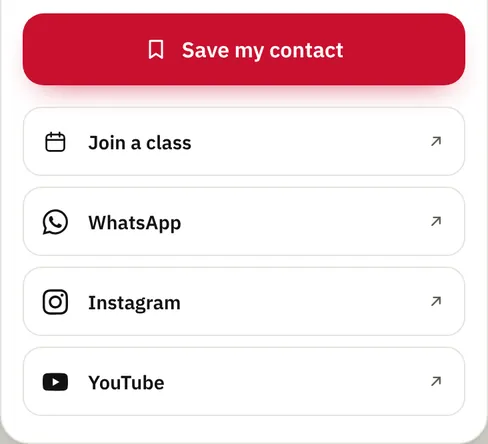
Yes. Visitors tap Save my contact and your name, role and links go straight into their phone's contacts. Every card also has a QR code to show at events and on print.
Can I see who clicks my link in bio?
Yes. You see visits, taps on each button and saved contacts, and where visitors came from. Pro adds taps by city and a weekly suggestion. Every button is a gotly short link, so its full click analytics are there too.
Can brands contact me through my link in bio?
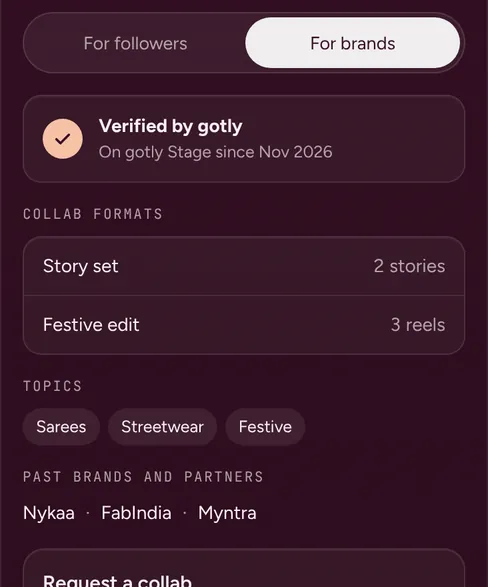
Yes, on Pro. Your card has a For brands page with your collab formats, topics and past partners, plus a request form. Your WhatsApp and email go to a brand only after you tap Approve.
Which languages does the page speak?
English, Marathi and Hindi. Visitors switch with one tap.
I already pay for gotly Pro. Do I pay again for Stage?
No. Until 31 Jan 2027, one Pro covers both gotly short links and gotly Stage.
I got a creator code. How do I use it?
Open the link you were sent, or go to gotly.link/stage/claim and enter the code. Sign in, tap Claim, and Pro is switched on for the time the code says. Each code works once.
How do I get gotly Stage Pro free for a year?
Join the gotly Stage creator programme: make your free Stage, post a public reel or post that shows it, then send us the link from this page. We check it within two working days and email you a creator code for 12 months of Pro, free. Terms are on this page.